Free
$0 per month
100 images per month
- Rendered images cached for 7 days
- Small watermark in one corner
- Bundled fonts only
- No top-ups: a hard stop at the limit
- Docs and best-effort email
No card required.
Open Graph images from HTML and CSS
The signed og:image URL for sites that are not on Vercel.
Write a card in HTML and CSS, put one signed URL in your meta tags, and every page gets its own preview image wherever its link is shared.
Free plan: 100 images a month, no card required.
Without a card
your-site.com/design-for-the-first-glance
With Link To Card
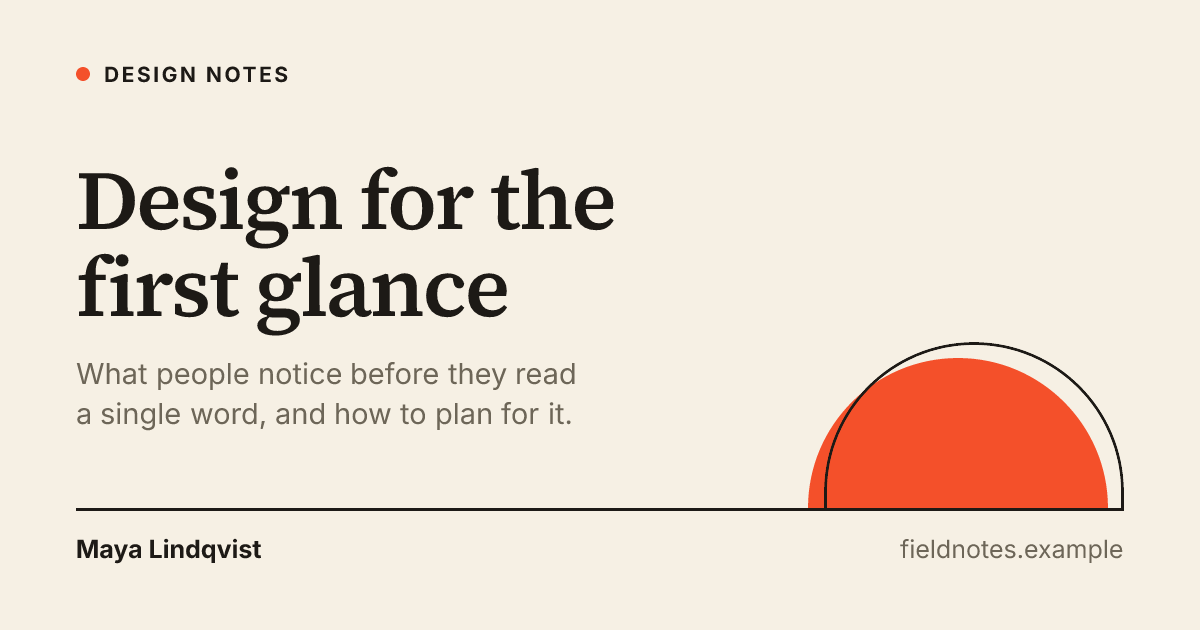
Rendering preview…
Paste it into your page's <head>. YOUR_SITE_ID and YOUR_SIGNATURE are placeholders: a free account gives you the real ones.
<meta property="og:image" content="https://linktocard.com/v1/og/YOUR_SITE_ID/blog.png?title=Design+for+the+first+glance&description=What+people+notice+before+they+read+a+single+word%2C+and+how+to+plan+for+it.&author=Maya+Lindqvist&theme=light&sig=YOUR_SIGNATURE">
<meta name="twitter:card" content="summary_large_image">
<meta name="twitter:image" content="https://linktocard.com/v1/og/YOUR_SITE_ID/blog.png?title=Design+for+the+first+glance&description=What+people+notice+before+they+read+a+single+word%2C+and+how+to+plan+for+it.&author=Maya+Lindqvist&theme=light&sig=YOUR_SIGNATURE">How it works
Three steps. There is no headless browser to host, patch or wait for.
Start from a starter template or write your own in HTML and CSS, with {{placeholders}} for the parts that change from page to page.
<div class="card">
  <h1>{{title}}</h1>
  <p>{{author}}</p>
</div>Create a site to get its id and secret. Your server or build script signs each image URL with HMAC-SHA256. This is all of it in Node.js:
import { createHmac } from 'node:crypto';

const path = `/v1/og/${SITE_ID}/blog.png`;
const params = { title: 'Hello world' };
const names = Object.keys(params).sort();
const lines = [
  path,
  names.join(','),
  ...names.map((name) => `${name}=${params[name]}`),
];
const sig = createHmac('sha256', SITE_SECRET)
  .update(lines.join('\n'))
  .digest('hex');

const query = new URLSearchParams({ ...params, sig });
const url = `https://linktocard.com${path}?${query}`;The first request renders the image and stores it. Later requests for the same URL are served from cache and do not count again while it is stored.
<meta property="og:image" content="${url}">Prefer to render ahead of time? POST /v1/images with an API key returns the image URL. The docs cover both.
Starter templates
Five to start from. Use one as it is, or as the starting point for your own design.
blog Blog post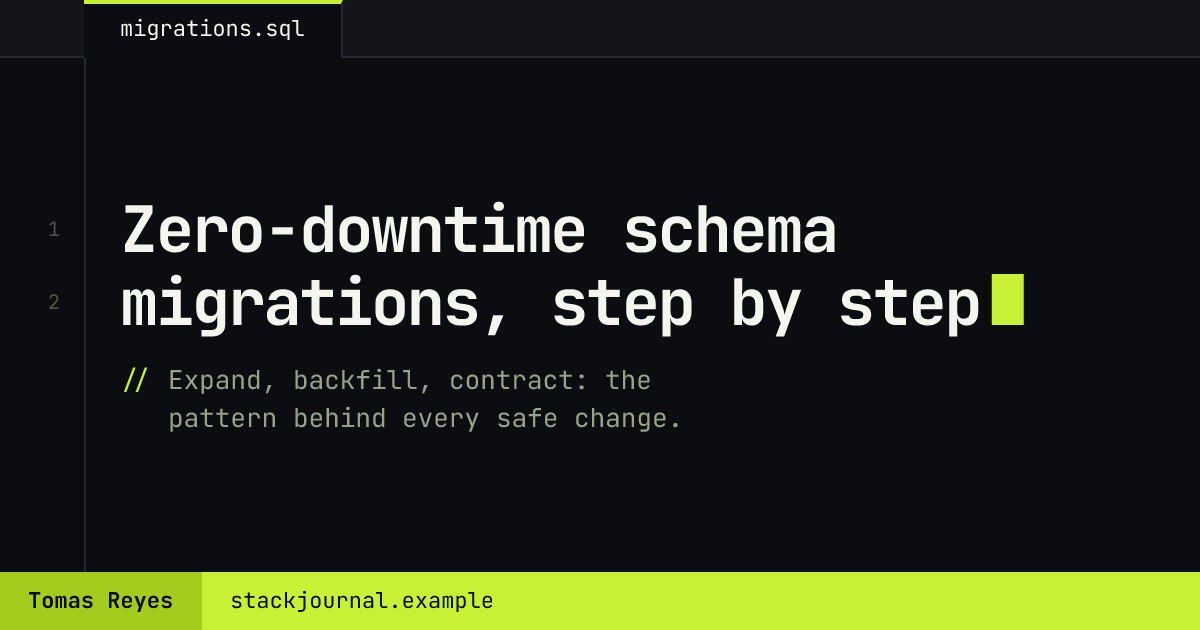
dark Dark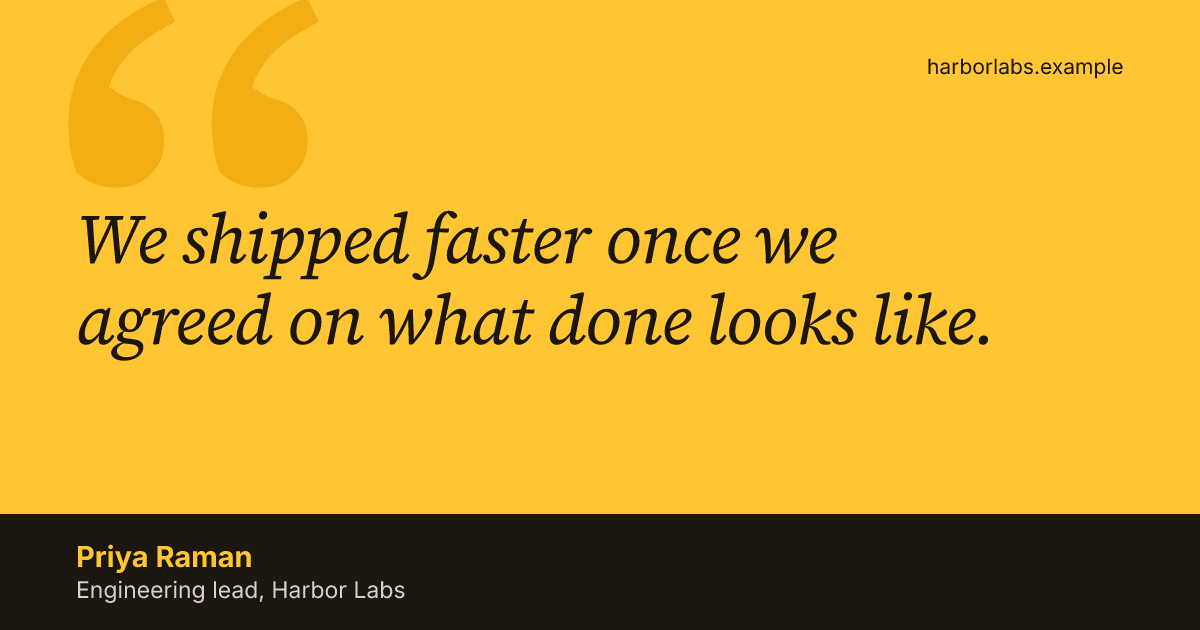
quote Quote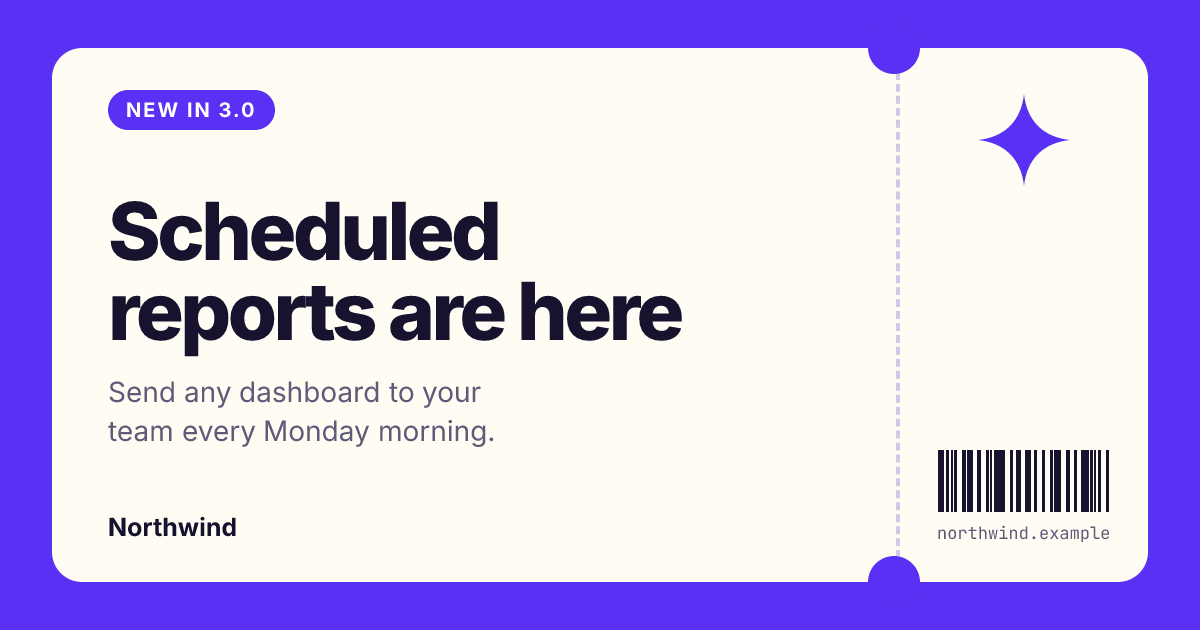
launch Launch
docs DocumentationPricing
Each plan is a fixed monthly price for a set number of rendered images. There is no metered billing and no overage. Prices are in USD and exclude tax. Paddle, our reseller and Merchant of Record, adds any applicable sales tax or VAT at checkout.
$0 per month
100 images per month
No card required.
$9 per month
2,000 images per month
Billed by Paddle as “Link To Card Starter”.
$29 per month
10,000 images per month
Billed by Paddle as “Link To Card Pro”.
Busy month? On Starter and Pro, a $8 top-up adds 1,000 images. You buy it yourself; nothing is ever billed automatically. Full pricing, top-ups and limits
Fair counting
The rules are short, and they are the same ones the billing code enforces.
FAQ
Including the things this product does not do.
It renders Open Graph and social card images from HTML and CSS templates, either through a signed URL you put in your meta tags or through an API call.
It is not a visual editor: templates are code. It does not take screenshots of web pages, it does not make video or GIFs, and it does not generate images with AI.
Every image URL carries a signature, an HMAC-SHA256 of its path and parameters made with your site's secret. Someone who changes the text in the URL, or invents a new one, cannot produce a valid signature without that secret. The request is rejected with HTTP 403 before anything is rendered, so it never counts.
New renders stop and the API answers HTTP 402 until your next billing period. Images that are already rendered and still cached keep being served.
On Free that is a hard stop. On Starter and Pro you can buy a top-up of 1,000 images for $8, or change plan. Nothing is ever charged automatically beyond your subscription.
A rendered image is stored for 7 days on Free, 30 days on Starter and 90 days on Pro. While it is stored, requests for the same URL are served from cache and are not counted.
After that, the next request renders the image again and counts as one image. A different URL, for example a new title or another size, is a different image.
The bundled fonts cover Latin, Cyrillic, Greek and Vietnamese. Other scripts need a font that you upload, which requires a paid plan. Emoji are drawn with the open-source Twemoji graphics.
Right-to-left and complex scripts, such as Arabic or Hebrew, have limited support in the rendering engine. Test your own text before you rely on it.
Yes. Payments are handled by Paddle, and you can ask for a refund within 30 days of a payment. The refund policy has the details.
A solo developer. There is no sales team and no support desk in between: when you write, the person who built the product answers.
Start with the docs. If you are stuck, email support@linktocard.com or use the contact form.
Email support@linktocard.com or use the contact page. The person who built the product answers.